
RG-MLP80B user manual, introduces the safety use, operation steps, setting methods and other information of the printer
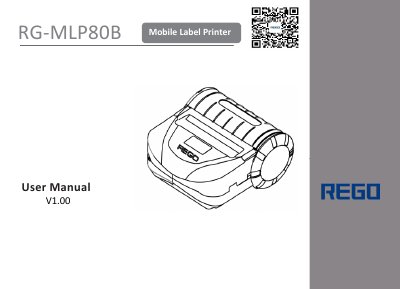
The document serves as a comprehensive user guide for the REGO RG-MLP80B mobile label printer. It details safety precautions, lists included accessories, and explains how to install batteries and load paper. The manual provides step-by-step instructions for basic operations such as powering on/off, feeding paper, and performing self-tests.
| Operating Temperature Range | -40°C to 70°C |
|---|---|
| Storage Humidity Limit | below 20% or over 85% |
| Bluetooth Communication Range | within 10 meters |
| Wi-Fi Indoor Range | within 30 meters |
| Wi-Fi Outdoor Range | 100 meters |
| Black Mark Width Requirement | ≥7mm |
It is better to use up the power of the battery before charging it again. The battery retains about 80% capacity after 500 charge and discharge cycles.
When the battery logo at the upper right corner of the display disappears, charging is complete.
The black mark should be on the edge of words with a width ≥7mm and height between 4mm and 6mm.