
This manual introduces the detailed steps of using the Digitone ProSeries II Call Blocker.
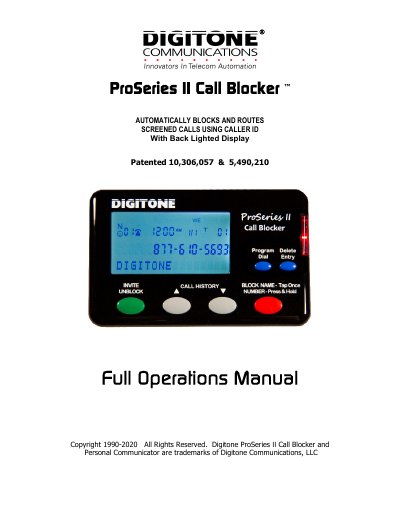
The Digitone ProSeries II Call Blocker is a device designed to automatically block and route screened calls using Caller ID technology. It features a backlit display and patented matrix systems to filter out-of-area, private, anonymous, and spoofed calls without requiring a battery backup.
This manual provides detailed instructions on connecting the unit, operating front panel buttons for blocking numbers and names, managing call history, and programming specific settings such as Caller ID standards and LCD backlight timers. It also covers scenarios involving fax machines and voice mail services.
No, the device does not need a battery backup because all program settings remain intact during a power outage.
Caller ID service from your phone company is required for the unit to work and automatically block calls.
You can block up to 50 individual names by tapping the Block button once on a selected name.