
This document is the user manual of X series MIDI keyboard. It introduces the basic functions, operating methods and precautions of the product.
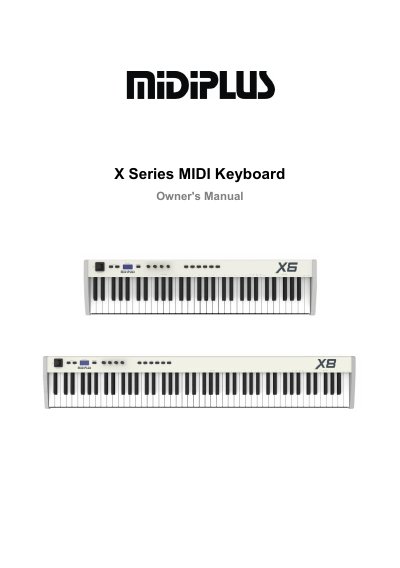
This manual provides instructions for the X Series X6/X8 MIDI keyboard, a USB-powered device with 61 or 88 dynamic keys. It details safety precautions, such as avoiding moisture and direct solar radiation, and explains how to connect the device to a computer for music creation without driver installation.
The guide covers operation of various controls including the MIDI/SELECT button, octave keys, four editable knobs, and a joystick controller for pitch and modulation. It also explains how to configure ancillary functions like MIDI channels, velocity curves, and CC controllers, as well as how to restore factory settings.
| Keyboard Configuration | 61/88 dynamic keys |
|---|---|
| Power Supply | USB computer power supply |
| Driver Requirement | No driver installation |
| Maximum Polyphony | 64 notes |
| Weight (X6) | 4.75KG |
| Weight (X8) | 6.55KG |
| Size (X6) | 889*78*215 |
| Size (X8) | 1267*78*215 |
No, it uses USB computer power supply and does not need an external power supply.
No, the device is plug and play and requires no driver installation.