
2020 Chevrolet Camaro Quick Reference Guide

The 2020 CAMARO Quick Reference Guide provides an overview of some important features in your Chevrolet Camaro.
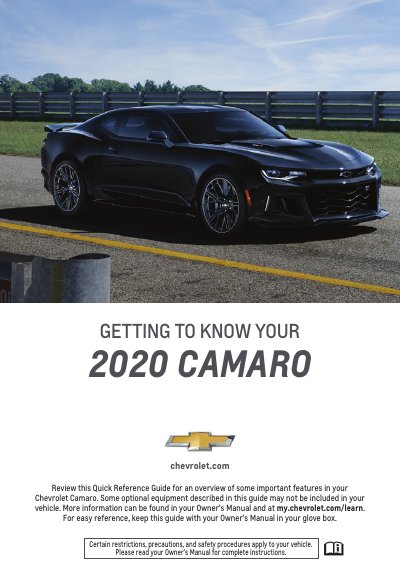

2020 Chevrolet Camaro Quick Reference Guide - cover page
Brand
Chevrolet
Category
Car
Document type
Quick Start Guide
Language
English
Pages
16
File format
PDF
File size
2.6 MB
Published
16 October, 2023
Updated
16 October, 2023
MD5 checksum
5DE9E40498751169C18C35F02548C578

About this manual

This document serves as a quick reference guide for the 2020 Chevrolet Camaro, providing an overview of important vehicle features and operating instructions. It covers essential topics such as instrument panel symbols, keyless access systems, engine start/stop procedures, and the use of the Driver Information Center (DIC).

What's inside

  • Instrument Panel Symbols
  • Keyless Access System
  • Remote Keyless Entry Transmitter
  • Starting the Engine
  • Stopping the Engine/Accessory Mode
  • Driver Information Center (DIC)
  • Head-Up Display (HUD)
  • Infotainment System
  • Natural Voice Recognition
  • Apple CarPlay and Android Auto

Frequently asked questions

How do I unlock the driver's door using the keyless system?

Press the button on the driver's door handle to unlock the driver's door; press it again within 5 seconds to unlock all doors.

How long does the engine run during a remote start?

During a remote start, the engine will run for 15 minutes. A remote start can be extended once.

How do I adjust the position of the Head-Up Display (HUD)?

Press down or lift up to adjust the position of the image. It cannot be adjusted side-to-side.

How do I cancel a remote start?

Press and hold the button until the parking lamps turn off to cancel a remote start.

Download PDF (2.6 MB)

More Chevrolet Manuals


View all Chevrolet manuals →