
TeamViewer Remote Access Getting Started Guide

This guide explains how to use TeamViewer remote access.
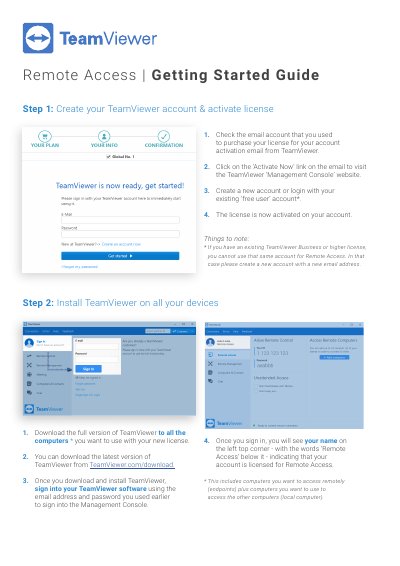

TeamViewer Remote Access Getting Started Guide - cover page
Brand
TeamViewer
Category
Other software
Document type
User Manual
Language
English
Pages
3
File format
PDF
File size
687 KB
Published
16 October, 2023
Updated
16 October, 2023
MD5 checksum
A4734A2867B13D31DEF90E6274EED9E5

About this manual

This guide explains how to create a TeamViewer account and activate a Remote Access license. It details the process of checking for activation emails, logging into the Management Console, and downloading the full version of TeamViewer to all relevant devices.

What's inside

  • Create your TeamViewer account
  • Activate license
  • Install TeamViewer
  • Prepare endpoint computer
  • Connect to licensed computer

Frequently asked questions

Can I use an existing TeamViewer Business or higher license account for Remote Access?

No, you cannot use that same account; you must create a new account with a new email address.

What indicates that my account is licensed for Remote Access after signing in?

You will see your name on the left top corner with the words 'Remote Access' below it.

What information must I enter to add an endpoint device in the Remote Access tab?

You must enter the ID noted from the Remote Access tab and the personal password you chose earlier.

Download PDF (687 KB)

More TeamViewer Manuals


View all TeamViewer manuals →