
This document is about the user manual of VIOTEK curved gaming monitor, including cleaning, maintenance and other related information.
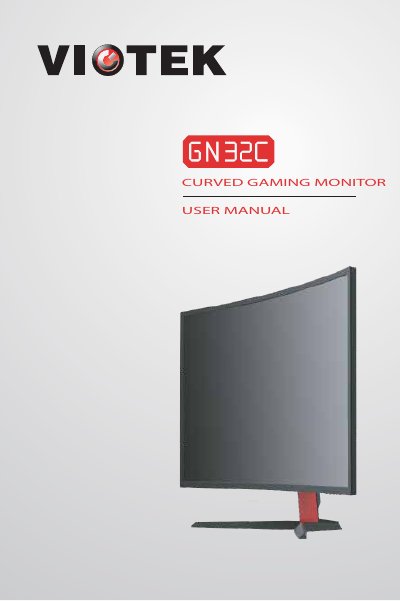
The document serves as a comprehensive guide for the VIOTEK curved gaming monitor. It begins with essential safety warnings regarding cleaning, ventilation, and electrical safety to ensure proper usage and prevent damage or injury. The manual details the contents of the package and provides step-by-step instructions for connecting video cables (DVI, HDMI, DP) and power sources.
Yes, but it must be lightly dampened and allowed to dry completely before plugging in.
A flashing blue light indicates that no video source has been detected.