
Krom Kimu Pro is a high-quality USB microphone with a metal mesh to reduce noise. It features -35 dB sensitivity, 2.2K ohms impedance, unidirectional directionality, 20 Hz to 20 KHz frequency response, 48KHz sampling rate, 16 bit. It is compatible with Windows / Mac OS / Linux / Android, supports USB 2.0/3.0 port or micro USB port.
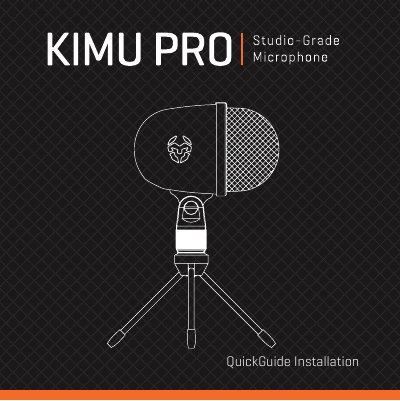
This document is a quick installation guide for the Krom KIMU PRO, a portable USB condenser microphone designed for computers and mobile devices. It details the default functions of the microphone, including the mute LED indicator and adjustable angle, and explains how to connect the device using the included Micro USB cables.
| Type | Condenser capsule |
|---|---|
| Sensitivity | -35 dB ± 3 dB |
| Impedance | 2.2K ohms |
| Frequency response | 20 Hz - 20 KHz |
| Sample rate | 48KHz at 16 bit |
| Dimensions | 74 x 115 x 190 mm |
| Weight | 285 g |
It is compatible with Windows, Mac OS, Linux, and Android.
The warranty is valid for 2 years from the purchasing date.
Use the supplied micro USB to micro USB cable to connect the microphone to your phone's micro USB port.