
Class 210-R Transmitter Configuration User Manual

This file is the user manual for the 210-R type sensor, which introduces the configuration, use and precautions of the sensor
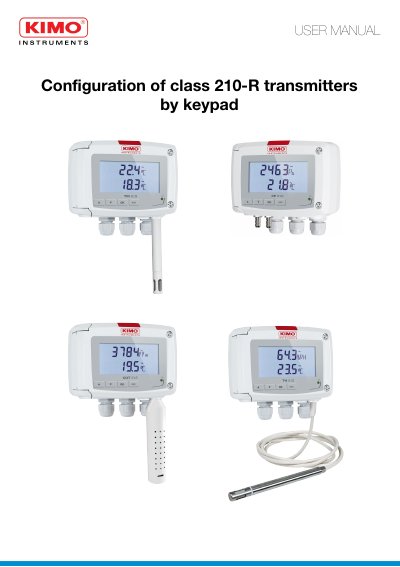

Class 210-R Transmitter Configuration User Manual - cover page
Brand
Class
Document type
User Manual
Language
English
Pages
27
File format
PDF
File size
1.5 MB
Published
16 October, 2023
Updated
16 October, 2023
MD5 checksum
26C0304506EB7A915D7E273BA379F091

About this manual

The document provides instructions for configuring Class 210-R transmitters with displays using a specific safety code. It covers accessing different function folders (F 100 to F 600) to adjust transmitter settings such as contrast, backlight, and keypad locking.

Detailed steps are provided for setting measurement units for various channels depending on the transmitter type (e.g., CP211-R, CTV210-R), managing analogue outputs, configuring relays, and applying compensation settings like temperature and altitude.

What's inside

  • Introduction
  • Description of the keys
  • Selection of the output signal
  • Protection tip of the sensors
  • Access to the different functions
  • Configure the transmitter (F 100)
  • Channels and measurement units configuration (F 200)
  • Analogue outputs management (F 300)
  • Manage the relays (F 400)
  • Measurement settings (F 500)

Frequently asked questions

What is the safety code to access transmitter functions?

The safety code required to enter the configuration menu is 0101.

How do I lock the keypad on the transmitter?

Navigate to folder F 140, press OK until "ON" blinks, then press OK again.

What output signal combinations can be selected?

The transmitter supports voltage outputs (0-10 V, 0-5 V) and current outputs (4-20 mA, 0-20 mA).

Download PDF (1.5 MB)