
This document contains information for the NAL Research modems and trackers and accompanying accessories (“Product”).
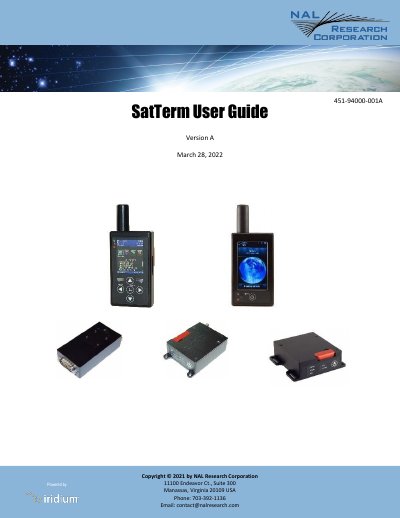
This document is the user guide for SatTerm, a satellite terminal emulator software package developed by NAL Research Corporation. It is designed to communicate with and configure NAL Research's Iridium modems and tracker products. The guide provides instructions for installing the software on Windows systems and setting up various communication protocols.
| Operating System | Windows |
|---|---|
| Minimum Disk Space | 50 MB |
| Minimum Screen Resolution | 800 x 600 |
| Recommended Screen Resolution | 1024 x 768 |
| Framework Requirement | Microsoft .NET 3.5 |
SatTerm supports NAL Research's Iridium modems and tracker products, including the 9602-I/N, 9602-LP/A, 9603-I, and various SHOUT series devices.
Yes, you can use any terminal emulator you are accustomed to, such as Microsoft HyperTerminal or Symantec Procomm, though NAL Research recommends SatTerm for a complete reference of commands.
You need a Windows operating system, compatibility with Microsoft .NET 3.5, at least 50 MB of hard drive space, and a screen resolution of at least 800 x 600.