
This is an aircraft telephone system user manual
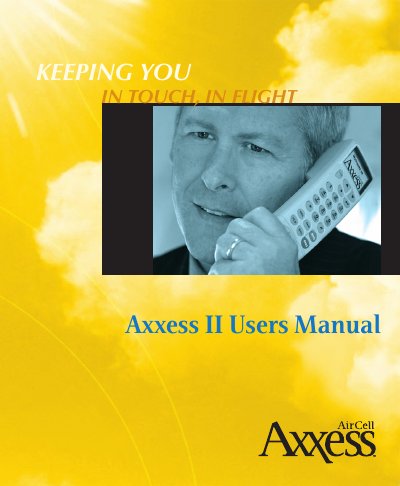
This manual provides instructions for the AirCell Axxess II Satcom System, an airborne telephone system compatible with the Iridium Satellite Network. It details how to turn on the system, navigate the graphical menus, and use the handset for placing and receiving calls from the aircraft or ground.
The guide covers personalizing the phone system, including managing the personal phone book, speed dialing, and adjusting volume settings. It also explains how to integrate the system with other electronics for data calls and provides troubleshooting steps for common issues such as resetting a handset or handling full channels.
| Satellite Network | Iridium Satellite Network |
|---|---|
| Frequency Range | 1616 MHz to 1625.5 MHz |
| Part Number | D12058 |
| Revision | Revision A |
No, the Iridium Satellite Network System for aeronautical use does not currently support Emergency 911 calls.
Toll-free numbers, such as 800, 877, and 888 numbers, may not work for Iridium or international calls.
Dial 9 + 8816 + XXX.XXXXX (other subscriber's Iridium Phone Number).