
Pivotel Iridium GO! User Guide

This is a user manual of Iridium GO!, introducing how to use it.
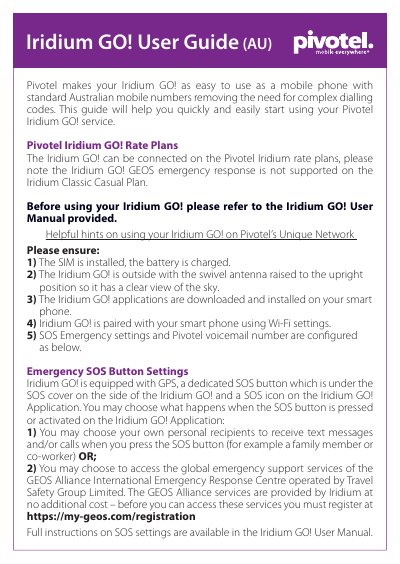

Pivotel Iridium GO! User Guide - cover page
Brand
Pivotel
Document type
User Manual
Language
English
Pages
4
File format
PDF
File size
89 KB
Published
15 October, 2023
Updated
15 October, 2023
MD5 checksum
7B3E66BFF73A5DEE72D9DACDDA441DDF

About this manual

The Pivotel Iridium GO! is a satellite communication device designed to be as easy to use as a mobile phone. It utilizes standard Australian mobile numbers, eliminating the need for complex dialling codes. The guide covers essential setup steps including SIM installation, battery charging, and pairing with smartphone applications via Wi-Fi.

What's inside

  • Pivotel Iridium GO! Rate Plans
  • Emergency SOS Button Settings
  • Voicemail Configuration
  • Making National Calls
  • International Calls
  • Storing Numbers
  • SMS Text Messages
  • GPS Essentials

Frequently asked questions

How do I configure the voicemail number for Pivotel?

Go to the Iridium GO! Application, select Settings > Call > Voicemail number, enter +61424212121, and select Save.

What is the correct SMS service centre number?

The correct number stored in the Pivotel SIM is +61415011740.

How do I dial a standard national mobile number?

Simply dial 04XX XXX XXX without entering any special codes.

Download PDF (89 KB)