
This is a user manual for a wireless camera. It supports downloading the application to control the camera through the application. You can view the picture taken by the camera in real time
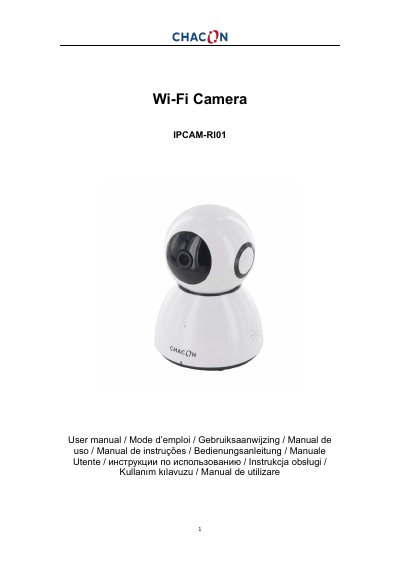
The Chacon IPCAM-RI01 is a wireless network camera designed for remote viewing and management. It connects to smartphones or tablets via the free 'Chacon cam+' application available on Apple Store or Android app stores. The device supports 2.4GHz Wi-Fi networks and allows users to configure settings such as motion detection, sound alerts, video flipping, and playback.
| Resolution | HD 1080p (1920x1080) |
|---|---|
| View Angle | 110° |
| Night Vision Range | 8 m |
| Wi-Fi Frequency | 2.4 GHz |
| Power Supply | USB - 5V / 1A |
You must download and install the free 'Chacon cam+' application from the Apple Store or Android app store.
This camera only supports 2.4GHz WIFI networks.
Press and hold the RESET button until you hear a 'beep' sound.