
Logia™ 5-in-1 Wireless Weather Station with WI-FI User Guide, which includes the weather station's features, usage instructions, and FAQs
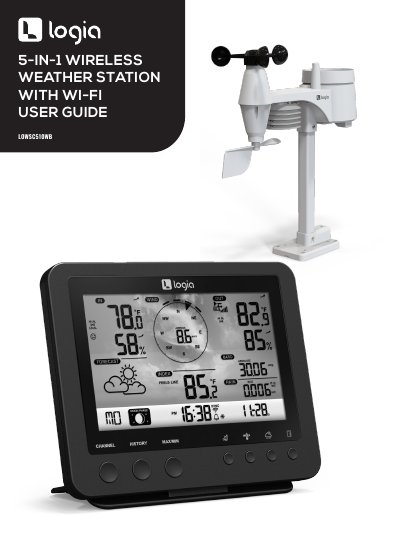
This manual covers the Logia 5-in-1 Wireless Weather Station with WI-FI, model LOWSC510WB. It details safety precautions, product features, and package contents. The guide explains how to assemble the wireless weather sensor and display console, install batteries, and set up the device for indoor and outdoor use.
| Sensor Measurements | wind speed, wind direction, rainfall, temperature, and humidity |
|---|---|
| Display Type | Color LCD display with dimmable backlight |
| Battery Type | three (3) new AA alkaline batteries |
| Warranty | limited one-year warranty |
No, this product is intended for household use only and is not intended for commercial use.
No, the product is fully pre-calibrated and mostly assembled upon receipt.
A low battery symbol will appear in the OUT or CH sections of the LCD display.