
This document is the Icom CI-V interface guide, which introduces how to use the Icom CI-V interface to connect PC with Icom radio
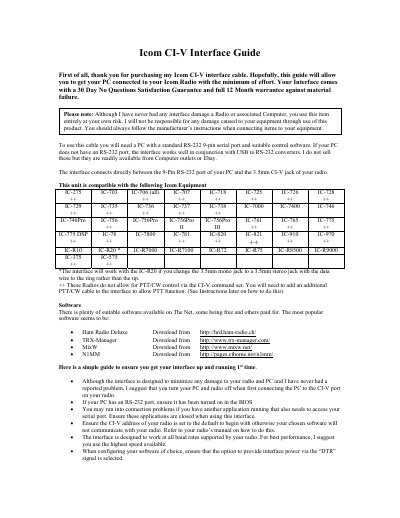
This guide assists users in connecting a PC to Icom radio equipment using the CI-V interface. It details the requirements for a standard RS-232 port or USB-to-RS-232 converter and lists compatible Icom radio models. The document also provides a 30-day satisfaction guarantee and a 12-month warranty against material failure.
| Satisfaction Guarantee | 30 Day |
|---|---|
| Compatible Port | RS-232 9-pin |
You must solder a new screened cable to the ground track and the opposite side of the PCB, then connect it to the radio's 'Send' pin.
Radios such as the IC-718, IC-706, IC-756, IC-775, and IC-781 require an additional PTT/CW cable because they do not allow PTT control via the CI-V command set.