
MFJ-1204 USB Radio Interface is used to connect a computer and a radio device. It is easy to use and does not require complex wiring or setup procedures.
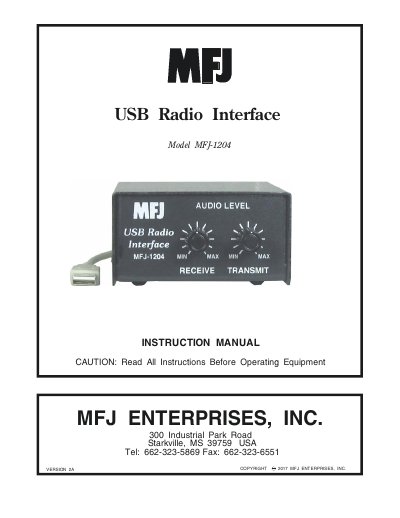
The MFJ-1204 is a USB radio interface designed to connect Ham radios to computers for digital modes. It features full USB connectivity, is powered directly by the USB port, and includes a dedicated on-board sound card. The device supports various communication modes such as CW, RTTY, PSK31, and EchoLink, and works with dozens of free downloadable programs.
| Power Source | Powered by USB port |
|---|---|
| Sound Card | Dedicated on-board sound card |
| Connectivity | Full USB connectivity |
| Compatible Modes | CW, RTTY, SSTV, AMTOR, PSK31, EchoLink, MT-63, WINMOR, WSPR, WSUJT-X |
No, the MFJ-1204 is powered directly by the USB port and does not need a power adapter.
While MFJ does not endorse specific programs, many operators recommend HamScope as a good starting point.
Yes, if you own an unlisted radio, you can determine the appropriate jack and pin-out configuration by referring to its operating manual.