
User manual – Bone conduction bluetooth headphone
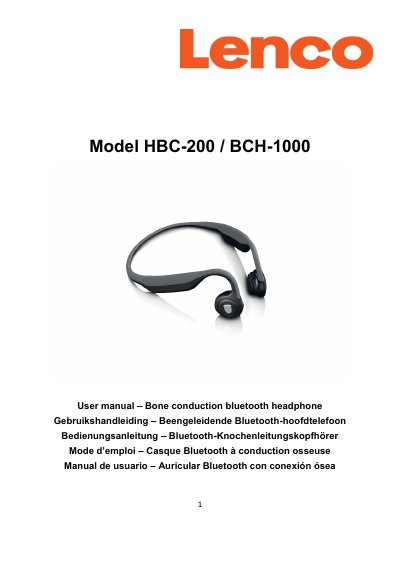
The document serves as a user guide for the HBC HBC-200/BCH-1000 Bone Conduction Bluetooth Headphone. It details product overview, installation steps including pairing and connecting to devices like iPhones or Android phones, and explains how to use features such as Siri, volume control, and call management. The manual also covers charging procedures using the included Micro USB cable.
| Usage Time | Up to 8 hours |
|---|---|
| Charging Time | 2 hours |
| Standby Duration | Up to 10 days |
| Connection Range | ~10 m |
| Bluetooth Version | V5.0 |
| Speaker Type | Bone conduction |
| Weight | 39g/1.37 oz |
Press and hold the multi-function key (power on/off) for 5 seconds until you hear 'Power on, Enter pairing' and the LED flashes red and blue.
Connect the Micro USB port to a wall charger or PC using the supplied cable; the LED turns solid blue when fully charged.
Short press the multi-function key (2) on the HBC-200/BCH-1000 to start Siri, provided it is connected to an Apple iOS device.
A single flash every 3 seconds indicates low battery power, while three flashes indicate the unit is powering on or off.