
Aquavar IPC Start-Up Genie CentriPro is a programming manual for an intelligent pump controller, which guides users to quickly and easily configure the controller for pump control applications including single pump, constant slave, duplex control, speed control and test run mode. The manual contains 11 sections that can be configured for application, pump protection, I/O options and communication.
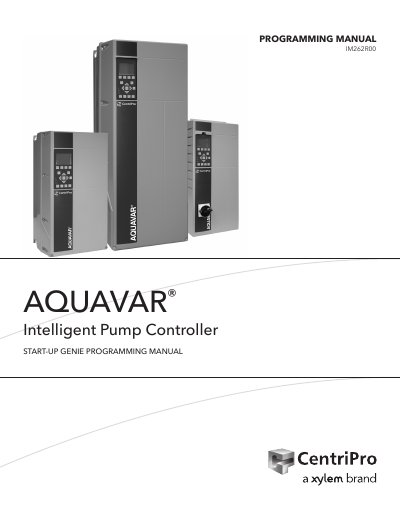
This document is the programming manual for the Aquavar IM262R00 Intelligent Pump Controller (IPC). It details the proprietary Start-Up Genie software, which guides users through a step-by-step commissioning process to configure pump control applications in less than 15 minutes. The manual covers the setup of motor parameters, various operating modes, feedback loops, setpoints, and communication protocols.
The manual states that using the Genie reduces set-up and configuration time to less than 15 minutes.
The controller offers three ramp time options: Fast (5s accelerate, 3s decelerate), Medium (10s accelerate, 5s decelerate), and Slow (20s accelerate, 10s decelerate).
The Current Limit must be set equal to the Motor Service Factor Amps divided by the Full Load Amps, expressed as a percentage.