
This manual describes how to install and operate the Telos Omnia.11 Stereo FM Audio Processor.
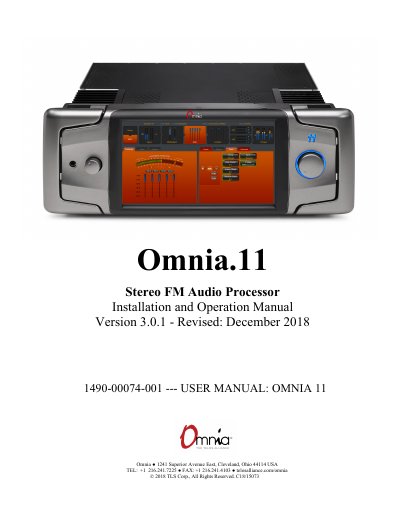
The Omnia .11 is a stereo FM audio processor designed to create exciting and engaging audio experiences. This document serves as the official Installation and Operation Manual (Version 3.0.1), guiding users through the initial quick-start setup and detailed system configuration.
The guide covers physical installation in equipment racks, connecting balanced analog or AES/EBU digital audio inputs and outputs, and configuring the unit's network parameters including IP addresses and Livewire settings. It also details how to access the GUI touch screen interface to adjust input gain, output levels, pre-emphasis, diversity delay, and various sound processing controls such as Clipper Drive, Bass Growl, and Presence.
The default password is 'omnia' without quotes, and it is used for both front panel and remote access.
No, there is no power switch on the unit; it boots up automatically when AC power is connected.
The unit accepts balanced professional line-level analog audio or AES/EBU digital audio on standard XLR connectors.