
This document introduces how to install and use IF-XX series products VI in LabView
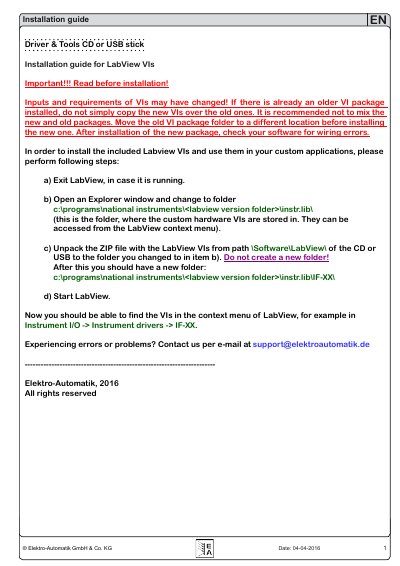
The document provides an installation guide for LabView Virtual Instruments (VIs) included with the Elektro-Automatik Driver & Tools CD or USB stick. It outlines specific requirements and precautions, such as backing up old VI packages before installing new ones to avoid mixing versions.
To install the VIs, users must exit LabView, navigate to a specific directory within their National Instruments installation folder, unpack the ZIP file containing the VIs into that location without creating a new subfolder, and then restart LabView. Once installed, the VIs should appear in the Instrument I/O context menu under Instrument drivers.
Do not simply copy the new VIs over the old ones; move the old VI package folder to a different location before installing.
Unpack it to the folder c:\programs\national instruments\
They can be found in the context menu under Instrument I/O -> Instrument drivers -> IF-XX.