
This document is the user manual of Dimension 3D printer BST 1200es. It introduces the usage of the printer, printing rules, color selection, material replacement and maintenance.
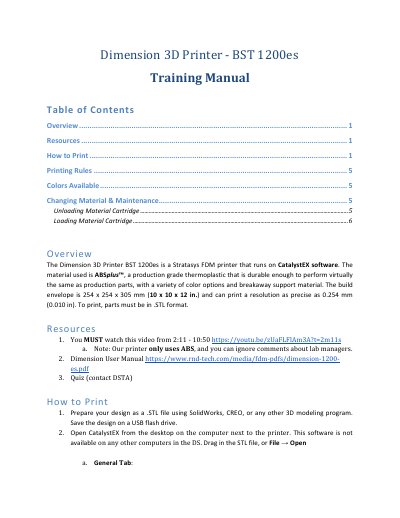
This document serves as a training guide for the Stratasys Dimension BST 1200es FDM printer. It details the operating environment using CatalystEX software and specifies that the machine uses ABSplus™ thermoplastic with Ivory and black color options available.
The manual provides step-by-step instructions on preparing designs in .STL format, configuring print settings such as resolution and support styles within the software, and physically loading or unloading material cartridges. It also outlines specific printing rules regarding queue management and duration limits.
| Build envelope | 254 x 254 x 305 mm (10 x 10 x 12 in.) |
|---|---|
| Print resolution | 0.254 mm (0.010 in) |
| Material type | ABSplus™ |
The printer runs on CatalystEX software.
Parts must be in .STL format.
Ivory and black model colors are available.