
This document introduces the instructions for using Dremel 3D20, including the preparations before use, precautions during operation, and maintenance methods
This document provides service instructions specifically for leveling the build platform of the Dremel 3D20. It includes critical safety warnings regarding hot components and unauthorized repairs. Users must unplug the device before performing any service to prevent injury or equipment damage.
The guide details a seven-step process using the touchscreen interface to move the extruder and build platform into position for leveling. It instructs users on how to adjust the three knobs under the platform (left, right, rear) using a leveling tool or standard printer paper until it slides with slight resistance.
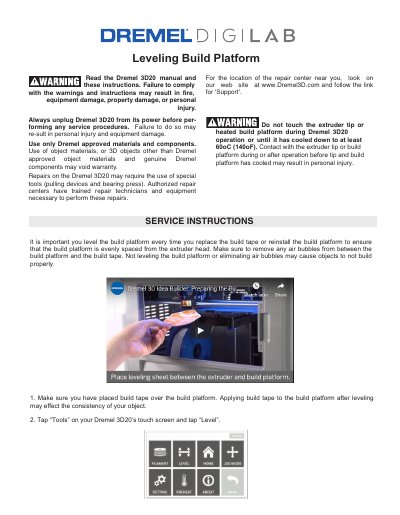
Use a dedicated leveling tool or standard printer paper to check if it slides between the extruder and build platform with some resistance.
Stop adjusting when you can slide the leveling tool between the extruder and build platform with some resistance.