
This manual describes the installation of the Remote Start with Keyless Entry 4X05 series 4115 1-button and 4105 4-button systems.
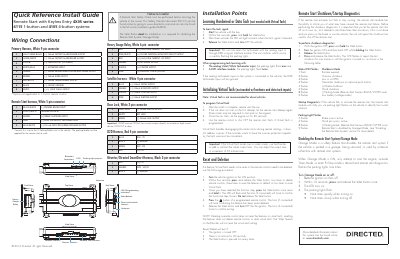
This document serves as a quick reference install guide for the Directed 4X05 series remote start with keyless entry systems. It covers two specific models: the 4115 (1-button) and 4105 (4-button). The guide details wiring connections for various harnesses, including heavy gauge relays, primary harnesses, satellite harnesses, door lock connectors, and D2D interfaces.
| Primary Harness Connector Type | White 9-pin connector |
|---|---|
| Heavy Gauge Relay Connector Type | White 6-pin connector |
| Door Lock Connector Type | White 3-pin connector |
| D2D Harness Connector Type | Red 4-pin connector |
Turn ignition ON. Within five seconds, press and release the Valet button twice to delete remotes.
It indicates a low battery voltage mode issue.