
This guide provides the basic steps to install and configure a Brocade 6520 switch using EZSwitchSetup.
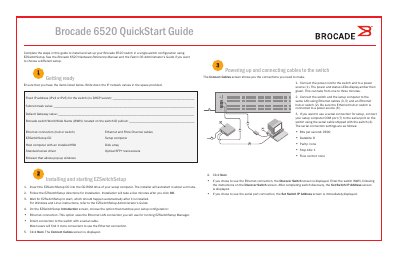
The Brocade 6520 QuickStart Guide walks through installing and setting up the Brocade 6520 switch in a single-switch configuration using the EZSwitchSetup utility. It covers preparing the required items, powering up the switch, connecting cables, installing the EZSwitchSetup software, and configuring the switch IP address, password, zoning, and device connections.
The guide details two setup connection options: Ethernet LAN or direct serial cable. It describes the serial port settings (9600 bps, 8 data bits, no parity, 1 stop bit, no flow control), SFP+ transceiver installation for 16 Gbps and 8/10 Gbps modules, and the steps to verify physical connections using the EZSwitchSetup graphical interface. Additional configuration options such as custom zoning are referenced to the EZSwitchSetup Administrator’s Guide.
| Serial connection speed | 9600 bps |
|---|---|
| Serial data bits | 8 |
| Serial parity | None |
| Serial stop bits | 1 |
| Serial flow control | None |
| Power LED sequence | Amber then green (1-3 minutes) |
| 16 Gbps SFP+ transceiver design | Long pull tab, no latching wire bail |
| 8/10 Gbps SFP+ transceiver design | Latching wire bail |
The default serial connection speed is 9600 bits per second.
It takes one to three minutes for the LEDs to change from amber to green.
You can use an Ethernet LAN connection or a direct serial cable connection to the switch.
Typical Zoning is the default zone configuration.