
SimpliSafe user manual, introduces the system installation, use methods
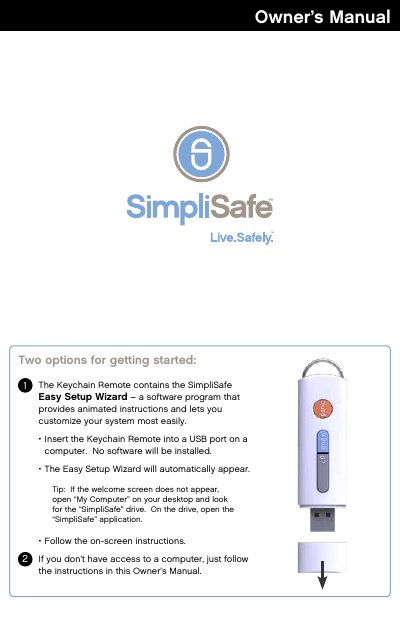
The document serves as an owner's manual for the SimpliSafe home security system. It details how to use the Keychain Remote with the Easy Setup Wizard on a computer or follow the printed instructions manually. The guide covers planning the installation layout relative to sleeping areas and central locations.
Subsequent sections provide step-by-step installation procedures for various components, including the Base Station, Keypads, Motion Sensors, Glassbreak Sensors, Entry Sensors, and other detectors like Carbon Monoxide and Water sensors. It also explains system modes (Away, Home, Off) and keypad usage.
The default PIN for the alarm system is 1234.
Place the Motion Sensor on a shelf or adhere it to a wall, approximately 4 to 5 feet off the ground.
You can install the Glassbreak sensor up to 20 feet away from the windows you'd like to protect.