
This document describes the features, installation, connectivity, and configuration of the Raspberry Pi Compute Module 4 support in NEC Large-Screen display models.
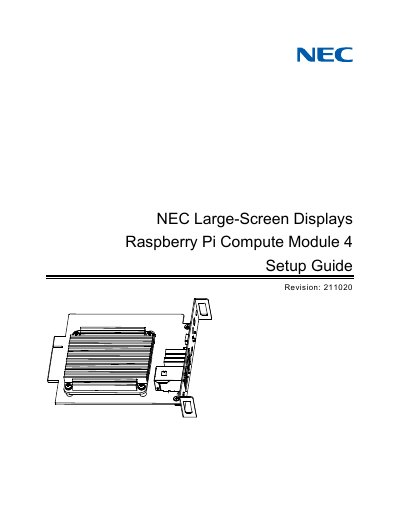
This document provides instructions for setting up the Raspberry Pi Compute Module 4 within Sharp NEC Display Solutions large-screen displays. It covers basic features such as operating system support, network connectivity (LAN and Wi-Fi), USB connections, and internal serial communication.
The guide details installation procedures for the Compute Module and Interface Board, along with configuration steps for power control, shutdown signals, and cooling fans. It also includes troubleshooting tips, a list of known issues, and information on using the Python-based NEC PD SDK.
This document describes the features, installation, connectivity, and configuration of the Raspberry Pi Compute Module 4 support in NEC Large-Screen display models.
You should see the Requirements section on page 10 for a current list of supported displays and Raspberry Pi hardware.
A 10/100 LAN switch internal to the display provides network connectivity to both the display and Raspberry Pi Compute Module using a single network connection.