
ROHM Electronic Laboratory (ROHMEX) is an online design tool that helps you select devices, optimize power circuits, and verify power circuit performance with ease when designing power supplies and H-bridge drivers.
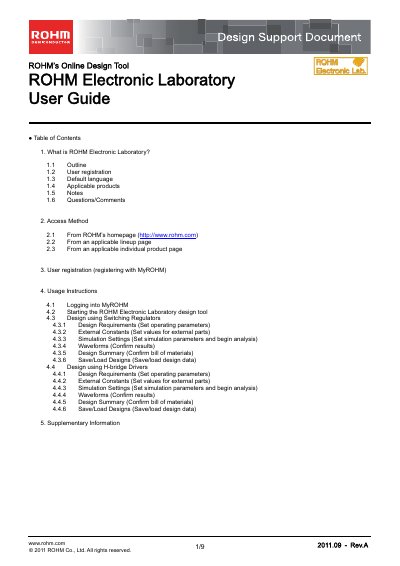
The document provides instructions on accessing ROHM's online design tool, known as ROHM Electronic Laboratory. Users must first register with MyROHM to gain access to the service.
Once logged in, the guide details how to configure circuits using two main product categories: 1-Chip Switching Regulators and H-Bridge Motor Drivers. It covers setting operating parameters, defining external component values, running simulations (Steady-State, Transient, AC), analyzing waveforms, generating bills of materials, and saving design data.
The default language is English, though MyROHM screens can be displayed in Japanese, Chinese, or Korean.
Yes, users are required to register and log into MyROHM in order to use ROHM Electronic Laboratory.
Yes, bills of materials can be downloaded as CSV files.