
This manual introduces the overview, function, installation method, parameter setup, connection method, operating guide, etc. of HRView.
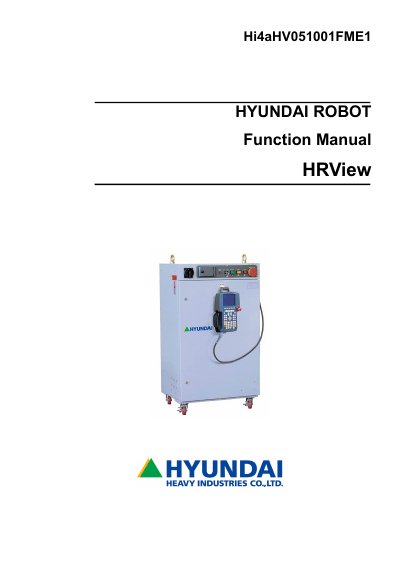
HRView is software designed for the transmission and reception of files contained in Hyundai Heavy Industries (HHI) robot controllers, specifically the Hi3, Hi3TB, and Hi4 models. The software allows users to connect to these controllers via an RS-232C cable or an Ethernet interface to manage data files.
| Supported Controllers | Hi3, Hi3TB, Hi4 |
|---|---|
| Communication Interfaces | RS-232C, Ethernet |
| Ethernet Requirement | Ethernet interface board (BD473) |
HRView supports HHI's Hi3, Hi3TB, and Hi4 robot controllers.
HRView is software designed for transmission and reception of files contained in HHI's Hi3, Hi3TB, and Hi4 robot controllers.
Ethernet communication is only available when an Ethernet interface board (BD473) is attached to the Hi3TB robot controller.
No, more than two HRViews cannot be connected at the same time to the controller through Ethernet.