
This manual introduces the use of Radar PLC, including installation, connection and use
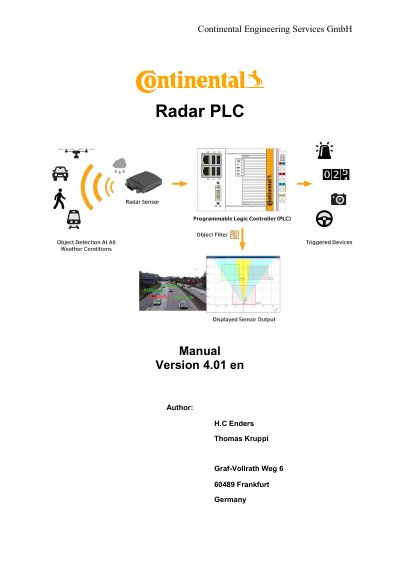
The Continental Radar PLC is a programmable logic controller designed to display the output of Continental Radar Sensors (SRR208, ARS308, or ARS408) on a monitor. It supports collision detection and can trigger up to eight solid-state relays. The device features an Intel Atom processor, runs on Windows Embedded Standard 7, and includes interfaces for Ethernet, USB, CANopen, and analog inputs.
| Processor | Intel Atom E3845, 1.91 GHz, 4 cores |
|---|---|
| Flash memory | 8 GB CFast card |
| Internal main memory | 4 GB DDR3 RAM |
| Power supply | 24 V DC (-15 %/+20 %) |
| Dimensions | 185mm x 100 mm x 92 mm |
| Weight | approx. 1,5 Kg |
The device is designed to display the output of either one Continental SRR208 or ARS308 Radar Sensor, and also supports the ARS 408.
If collision detection is supported by the sensor, it is possible to use this device to trigger up to 8 different Solid state relays.
The device runs on Microsoft Windows Embedded Standard 7.