
Finepix JX420 ~ JX440, JX370 ~ JX390, JX330 ~ JX335, JX290 ~ JX295 cameras user manual

This is a user manual that introduces how to use Fujifilm Finepix JX420 ~ JX440, JX370 ~ JX390, JX330 ~ JX335, JX290 ~ JX295 cameras.
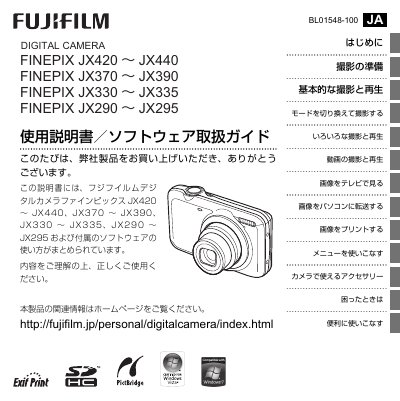

Finepix JX420 ~ JX440, JX370 ~ JX390, JX330 ~ JX335, JX290 ~ JX295 cameras user manual - cover page
Brand
FujiFilm
Category
Digital cameras
Document type
User Manual
Language
Japanese
Pages
123
File format
PDF
File size
2.6 MB
Published
12 October, 2023
Updated
12 October, 2023
MD5 checksum
EA29259B04871552D98C556817EA5497

About this manual

This document is the user guide for a range of Fujifilm FinePix digital cameras, specifically models JX420 through JX440, JX370 through JX390, JX330 through JX335, and JX290 through JX295. It covers the setup process, including checking accessories like the NP-45A/B battery and TR-O8AM-1A AC adapter. This manual is written in Japanese.

What's inside

  • Convenient Buttons
  • Getting Started
  • Camera Parts Names
  • LCD Monitor Display
  • Inserting Battery and Memory Card
  • Charging the Battery
  • Basic Shooting and Playback
  • Scene Selector Navigation
  • Setting Up Menus
  • Troubleshooting

Specifications

Supported Memory CardsSD, SDHC
Battery TypeNP-45A/B
AC Adapter ModelTR-O8AM-1A

Frequently asked questions

How do I delete a single image?

Press the DSPBACK button and then press the Delete button.

What memory cards are compatible with this camera?

This camera supports commercially available SD and SDHC memory cards.

How long does it take to repair a Fujifilm FinePix camera?

The Quick Repair Service can deliver the repaired product within 3 days from receipt.

Download PDF (2.6 MB)

More FujiFilm Manuals


View all FujiFilm manuals →