
This document describes the software installation steps and how to use this evaluation tool. It is compatible with the ADM1275, ADM1276, ADM1278, and ADM1075 devices and can be used in conjunction with the relevant evaluation board to demonstrate the functionality of the part.
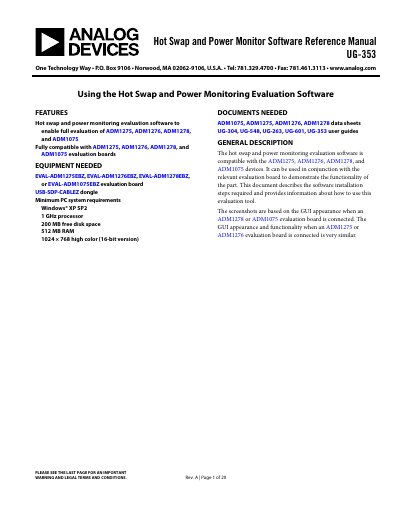
This document serves as a reference manual for the Hot Swap and Power Monitor Software (UG-353), designed to enable the full evaluation of Analog Devices ADM1275, ADM1276, ADM1278, and ADM1075 devices. It provides instructions for software installation and setup using the USB-SDP-CABLEZ dongle and compatible evaluation boards.
The guide covers basic operation of the software interface, including hot swap control and setup configurations. It details how to configure evaluation board settings, such as sense resistor values and ADC input resistor dividers, and explains features like temperature monitoring, power averaging, and historical data logging.
| Compatible Devices | ADM1275, ADM1276, ADM1278, ADM1075 |
|---|---|
| Required Dongle | USB-SDP-CABLEZ |
| Minimum Processor | 1 GHz |
| Minimum RAM | 512 MB |
| Minimum Disk Space | 200 MB |
| Minimum Resolution | 1024 x 768 |
The software is compatible with the EVAL-ADM1275EBZ, EVAL-ADM1276EBZ, EVAL-ADM1278EBZ, or EVAL-ADM1075EBZ evaluation boards.
Yes, a USB-SDP-CABLEZ dongle is required and must be purchased separately as it is not included with the evaluation board.
The top right section of the GUI shows whether the I2C link is operational, indicated by the green I2C Status indicator.