
Slamtec RPLIDAR A3 Low-cost 360-degree Laser Scanning Rangefinder Development Kit User Manual

This document introduces the user manual for the RPLIDAR A3 low-cost 360-degree laser scanning rangefinder development kit from Shanghai Slamtec Co., Ltd. The kit includes the RPLIDAR A3 module, USB adapter, module connection and usage instructions, device connection, USB adapter driver installation, evaluation software usage, troubleshooting, motor speed adjustment, development reference, and SDK usage.
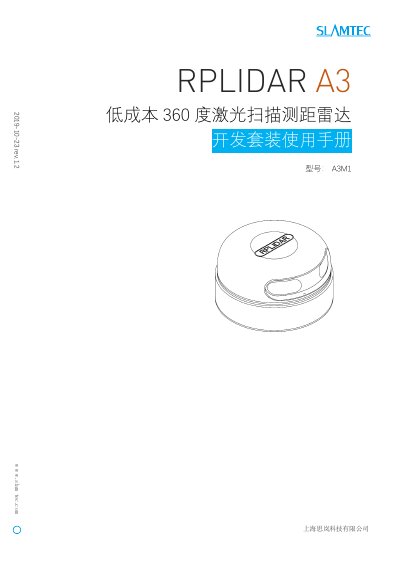

Slamtec RPLIDAR A3 Low-cost 360-degree Laser Scanning Rangefinder Development Kit User Manual - cover page
Brand
Slamtec
Category
Other Electronics
Document type
User Manual
Language
Chinese
Pages
16
File format
PDF
File size
1.4 MB
Published
28 March, 2023
Updated
27 September, 2023
MD5 checksum
CBF1496FC6C4A3FFB5B7669D417E933F

About this manual

The Slamtec RPLIDAR A3 development kit includes an RPLIDAR A3 module with a built-in PWM motor driver, a USB adapter, Micro-USB cables, and a power cable. The manual details how to connect the device via a USB adapter (using CP2102 chip) to a PC and install the necessary drivers for communication. This manual is written in Chinese.

What's inside

  • Introduction
  • Components Included
  • Device Connection
  • Driver Installation
  • Evaluation Software Usage
  • Troubleshooting
  • Motor Speed Control
  • SDK Development
  • Pin Specifications
  • Operating Recommendations

Frequently asked questions

How long should the RPLIDAR A3 operate before it reaches its best measurement accuracy?

The device should be allowed to run for 2 minutes before use to ensure the measurement core reaches its best precision level.

What is the maximum operating temperature for the RPLIDAR A3?

The device should not be used in environments where the temperature exceeds 40℃.

Download PDF (1.4 MB)

More Slamtec Manuals


View all Slamtec manuals →