
NA200 CMM201-0201 Serial Communication Module User Guide

This document describes the features, appearance, and usage instructions of the NA200 CMM201-0201 module, as well as the installation and configuration steps.
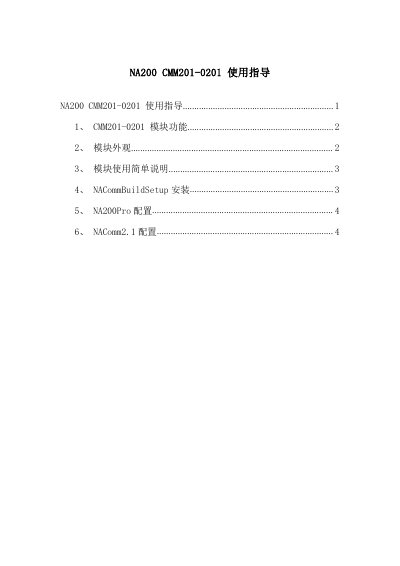

NA200 CMM201-0201 Serial Communication Module User Guide - cover page
Brand
NA200
Category
Industrial Robot
Document type
User Manual
Language
Chinese
Pages
9
File format
PDF
File size
1 MB
Published
17 March, 2023
Updated
27 September, 2023
MD5 checksum
ABDB46C5CDBBB6C2E9A46ED3222F691F

About this manual

This document provides usage instructions for the NA200 CMM201-0201 serial communication module. It details the module's functions, including two RS485 ports and one RJ45 Ethernet interface, and describes its physical appearance and LED indicators. This manual is written in Chinese.

What's inside

  • Module Functions
  • Module Appearance
  • Module Usage
  • NACommBuildSetup Installation
  • NA200Pro Configuration
  • NAComm2.1 Configuration
  • Communication Protocol Settings
  • Data Exchange Area Configuration
  • Download and Reset

Frequently asked questions

How many RS485 serial ports does the CMM201-0201 module have?

The module has two extension RS485 serial ports.

What is the maximum number of communication commands supported by the CMM201-0201?

It supports a maximum of 64 communication commands.

What is the default IP address for the CMM201-0201 module?

The default IP address is 192.168.3.100.

Download PDF (1 MB)

More NA200 Manuals


View all NA200 manuals →