
This document is the G4000A operation manual, which provides quick setup, power supply and use of external antennas, general radio operation, shortwave radio operation, storing stations into memory, using clock, alarm and sleep timer features, and more information about shortwave. It also includes technical information.
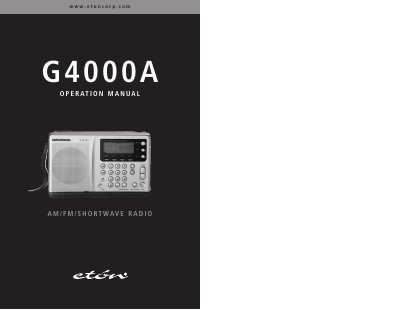
The document serves as a comprehensive guide for the Eton G4000A radio. It covers initial setup procedures such as inserting batteries or connecting the AC adapter, configuring regional settings for AM station spacing (9kHz vs 10kHz), and utilizing external antennas for improved shortwave reception.
The manual details general operation across all bands, including direct frequency entry, automatic tuning, and manual tuning methods. It also explains specific features like Single Sideband (SSB) usage, maritime weather frequencies, and the use of the clock, alarm, and sleep timer functions.
| Included Antenna Type | 23 foot reel antenna |
|---|---|
| Power Supply (Americas) | 110-120 VAC |
| Battery Requirement | Six AA alkaline batteries |
Press and release the AM button, then immediately press and release the STEP button until "10 KHz" appears in the display.
Press the number keys for the frequency, then press the FREQU./METER button to finalize the entry.
The radio's normal operation may be restored, but all memories and the clock will be erased.