
This manual provides the operation instructions of Hanvon Facial Recognition Attendance Machine, including device installation, administrator configuration and operation, and general user operation. It can help users to use this product quickly and efficiently.
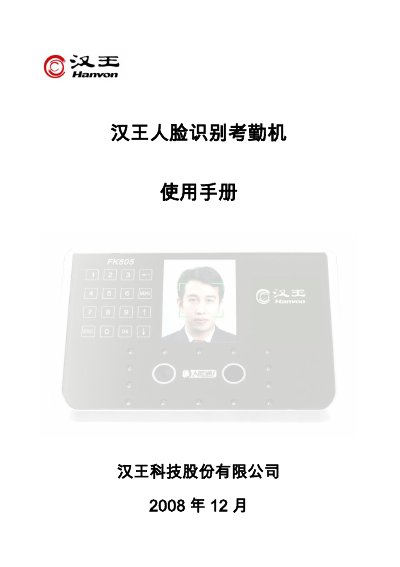
The Hanvon FK605 is an embedded face recognition product designed for access control and attendance management in corporate environments. It features a dual-camera system with the proprietary 'Dual Sensor V2.0' algorithm, a 3.5-inch TFT color screen, and a 600MHz TI DSP processor. The device supports offline operation, TCP/IP communication, and USB data transfer, offering fast recognition speeds and high accuracy regardless of indoor lighting conditions.
This guide details the installation process, including wall mounting and power connection. It provides step-by-step instructions for administrators to configure the system, register users, and manage attendance records. Additionally, it explains how ordinary users can perform face recognition or input an employee ID for verification. This manual is written in Chinese.
The device supports a user capacity of 500 people and a record capacity of 150,000 entries.
Users should stand approximately half a meter in front of the device for automatic face detection.
If face detection is unsuccessful, the system automatically returns to the standby interface after 30 seconds.