
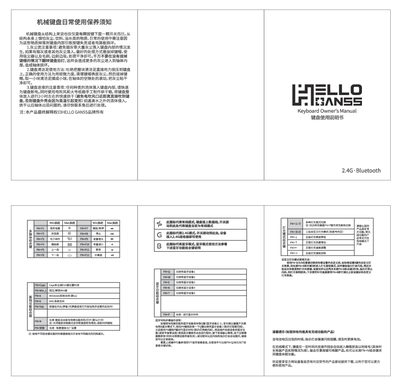
The guide explains that a mechanical keyboard consists of a switch beneath each key and warns against dust, liquids, and oily substances that can cause key failure or circuit damage. It details how to remove keycaps and use a vacuum cleaner with a brush to clean dust, and describes the proper way to apply cleaning putty lightly on the surface and in switch gaps.
It also covers the keyboard’s wireless options (2.4 GHz and Bluetooth), RGB lighting control, battery‑low indicator (slow flashing), and power‑saving mode that puts the device to sleep after inactivity. Instructions for drying a keyboard after liquid spills, using a hair dryer or a DIY drying box, and contacting after‑sales support are included. This manual is written in Chinese.
| Wireless Connectivity | 2.4 GHz and Bluetooth |
|---|---|
| Lighting | RGB backlight with color switching |
Press the designated Fn+key combination (e.g., Fn+H) to change the base color of the RGB backlight.