
This document is the programming guide for GM8036 laser sweep optical spectrum analyzer, describing the features and characteristics of the product.
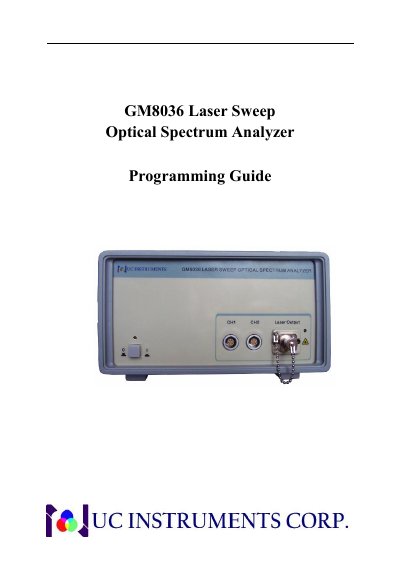
This programming guide describes how to operate the UC Instruments GM8036 Laser Sweep Optical Spectrum Analyzer using the USB port or the RS232 serial port. It explains command syntax, units, data types, and the available command set.
The document lists common queries such as *IDN?, laser source commands for state, frequency, wavelength, and power, sweep commands, and power meter commands for measurement, reference, wavelength, unit, averaging, and scan mode.
| USB port type | Standard four-core B type |
|---|---|
| RS232 baud rate | 115200 bps |
| RS232 data bits | 8 Data bit |
| Power meter averaging range | 1 to 900000 ms |
The RS232 serial port uses a baud rate of 115200 bps.
Send SOURCE: STATE with ON or 1 to enable the source, or OFF or 0 to disable it.
The power meter unit can be set to watts, dBm, or dB.