
AHA-2840A/2842A is a high performance bus master VL-to-Fast SCSI host adapter with SCSISelect™.
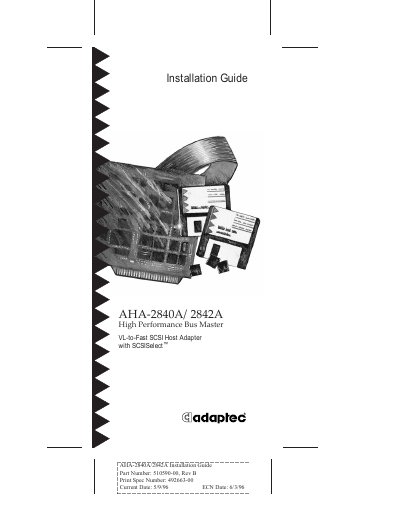
This document serves as an installation guide for the Adaptec AHA-2840A and AHA-2842A High Performance Bus Master VL-to-Fast SCSI Host Adapters. It details the physical installation process, including inserting the board into a VL-Bus slot and connecting SCSI peripherals. The guide also covers essential configuration steps such as setting switches for IRQ, port address, and BIOS settings, as well as configuring the SCSI Select utility.
| Bus Type | VL-Bus |
|---|---|
| Default Interrupt Level | IRQ 11 |
| Default Port Address | 1C00h |
| Default SCSI ID | 7 |
| External Connector Type | 50-pin high-density |
| Internal Connector Type | 50-pin flat ribbon-type |
| Supported SCSI Type | Single-ended |
The default SCSI ID for these host adapters is 7.
You can disable the BIOS by setting switch sw8 to On.