
This document is a quick installation guide for the SD7313/SD7323 model, which mainly introduces the precautions, package contents, hardware installation, and network settings of the product.
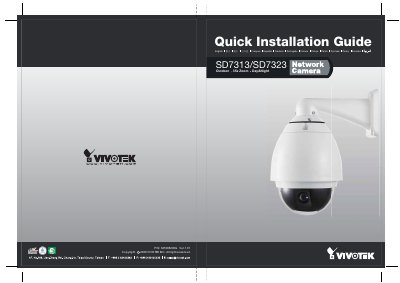
This document serves as a quick installation guide for the Vivitek SD7313 and SD7323 outdoor network cameras. It outlines the necessary steps to mount the device securely on a wall using the provided bracket and dome cover assembly.
The guide details how to connect the camera to a power source, link it to a network via Ethernet (including specific cable types for PC connections), and attach external sensors or alarms using the general I/O terminal block. It also briefly mentions software installation procedures. This manual is written in Japanese.
The product features a 35x zoom capability.
The terminal block requires 12V DC power, which can be supplied by AC 24V at 2A.
A Category 5 crossover cable must be used to connect the camera to a PC.