
This document is the hardware user manual for the DTP-S09 series modules, which introduces the functions, features, and installation and debugging methods of this series of products.
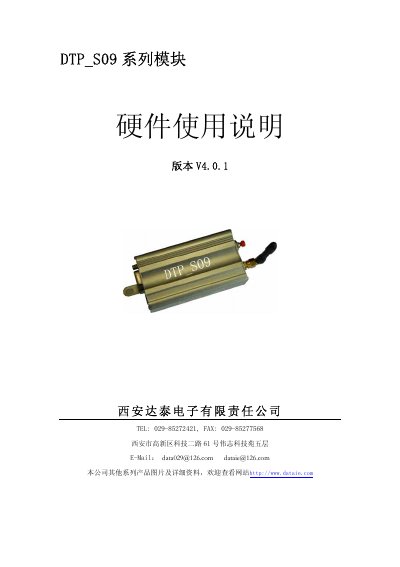
This document is the Hardware User Manual for the DataIE DTP-S09 series of GSM/GPRS wireless data transmission modules. It covers product introduction, installation procedures, testing methods using various software tools, and industry application scenarios. The manual is designed to guide technicians in the installation and debugging of these modules.
The DTP-S09 series supports SMS, GPRS data communication, and MMS (Multimedia Messaging Service) depending on the specific model variant (C, D, or E). Key features include a modular design, low power consumption, dual-band operation (900/1800 MHz), and compatibility with standard AT command sets. The module interfaces via a standard RS232 serial port and operates on a DC power supply of +5V to +12V. This manual is written in Chinese.
| Power Supply Voltage | +5 ~ +12V DC |
|---|---|
| Maximum Power Consumption | ≤5W |
| Standby Power Consumption | ≤1W |
| Operating Temperature | -35℃ ~ 75℃ |
| Storage Temperature | -40℃ ~ 85℃ |
| Communication Interface | RS232 |
| Communication Rate | 1200~115200 bps |
The module requires a DC power supply voltage between +5V and +12V.
The module operates within a temperature range of -35°C to 75°C.