
This document is a quick start guide for the Servomex 2500 series, providing instructions on how to set up and operate the product.
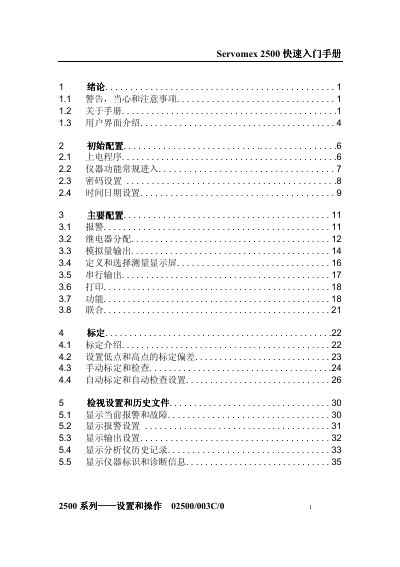
The document serves as a quick start manual for the Servomex 2500 series analyzers (including models 2520 and 2550), providing instructions on setup and operation. It covers essential topics such as warnings, user interface introduction, initial configuration including power-up procedures and password settings, and main instrument configurations like alarms and relay assignments.
The guide details the process of calibrating the analyzer, including setting low and high point deviations, performing manual calibration checks, and configuring automatic calibration routines. It also explains how to view current alarm status, output settings, and historical data files stored on the instrument. This manual is written in Chinese.
| Display Type | 16 character x 2 line vacuum fluorescent display |
|---|---|
| Default Password | 2000 |
| Clock Retention Time | 2 days without power |
The factory default password is '2000'.
It takes 2 hours for the chopper box to reach its set temperature.
Entering a password incorrectly three times in a row will cause a fault.