
This document is a quick user guide for the ES/WS620-PEGv4 IP DeskPhone. It provides instructions on how to operate the status LED lights, programmable keys, and other functions of the phone. It also includes information on network settings and SIP account configuration. Additionally, it provides guidance on accessing the phone's web configuration interface through a web browser.
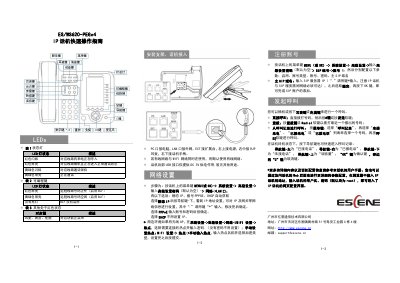
This document serves as a Quick User Guide for the ES ES/WS620-PEGv4 IP DeskPhone. It provides essential information on interpreting LED status indicators for the handset and programmable buttons, as well as the physical port layout including PC, LAN, and EXT sockets. The guide details the default behavior when both wired and wireless networks are active and notes that the USB port provides DC5V power only. This manual is written in Chinese.
| USB Port Function | DC5V power only |
|---|---|
| Default Advanced Password | Empty |
| Default Web Login | root / root |
The phone defaults to using the wired network first.
Enter the phone's IP address in a browser and log in with the username and password (default: root).
It indicates that there is an incoming call.