
This document is the user manual for IPEVO Wi-Fi Phone for Skype, which introduces the features and usage of the product.
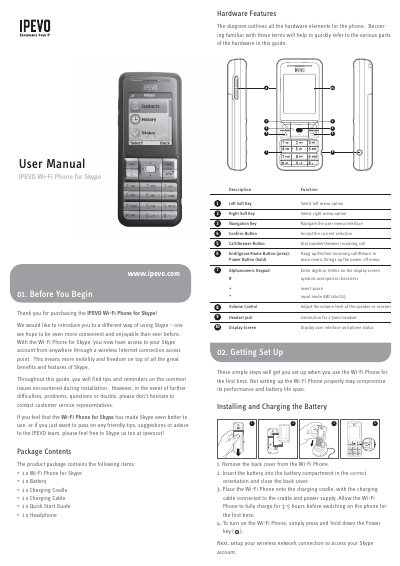
The IPEVO Wi-Fi Phone for Skype is a wireless device that allows users to access their Skype accounts from anywhere via an Internet connection. The package includes the phone, battery, charging cradle, cable, quick start guide, and headphones. Before use, the user must install the battery into the correct orientation within the phone's compartment.
Allow the Wi-Fi Phone to fully charge for 3-5 hours before switching on the phone for the first time.
Skype names can be between 6–32 characters, consisting of any combination of upper and lowercase characters, numbers, and punctuation marks.
Press and hold the End/Power key for three seconds to access the power-key menu, then select Switch Off.