
This document is a user guide for PAPAGO Inc., which introduces the package content, device interface, installation and uninstallation methods of the product. The product is a car device with features such as a 2.4-inch screen, LED light, buttons, mini USB interface, HDMI interface, microphone, speaker, etc.
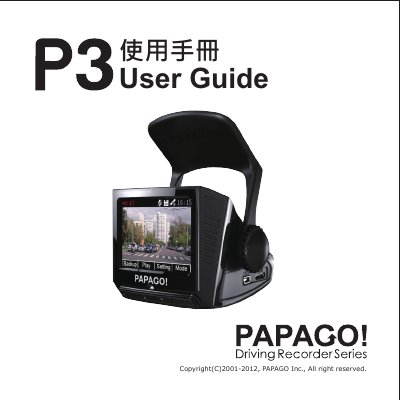
This document serves as a user guide for the PAPAGO car device, detailing the package contents, device interface, and installation procedures. It provides instructions on how to mount the device securely near the front view mirror and connect it to the vehicle's power source using the included car charger.
| Screen Size | 2.4" |
|---|---|
| Video Resolution | 1080p 30fps |
| Minimum SD Card Class | Class 6 |
| Minimum SD Card Capacity | 8GB |
| Operating System Support | Windows 7 / Vista / XP |
| Processor Requirement | Pentium 4 2.4GHz above |
| Memory Requirement | 512MB above |
Install the device around the area of the front rear view mirror to ensure a better view.
The device turns on automatically when the car starts and turns off when the car power is off, provided the car lighter is also off.
The device will not support the auto power on/off feature in this situation.
You must use at least an 8GB Class 6 SD card.