
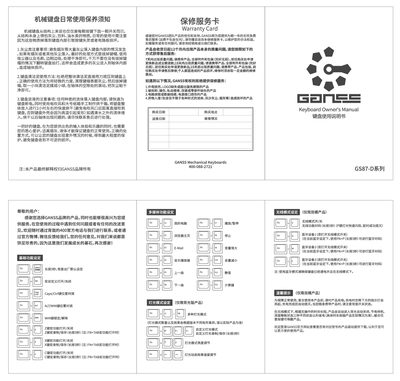
The GANSS GS87-D mechanical keyboard is a dual‑mode (wired and Bluetooth) device designed for comfortable typing and customizable lighting. This manual explains how to use, maintain, and troubleshoot the keyboard.
It covers dust removal, cleaning with keycap removal, handling liquid spills, charging, Bluetooth pairing, macro and lighting settings, and warranty service details. This manual is written in Chinese.
| Charging Requirement | Charge before first use |
|---|---|
| Lighting Modes | Multiple dynamic effects |
| Macro Function | Customizable macros |
| Warranty Period | 12 months |
Remove the keycaps, then use a vacuum cleaner and brush while brushing to clean out the dust.
Power off the keyboard immediately, then dry it with a hair dryer and a homemade box dryer for about two hours; contact after‑sales if problems persist.
The product comes with a one‑year free warranty.
Enter pairing mode by pressing FN+P and holding for three seconds.