
DK30 Plus is a 2.4G integrated link integrating remote control and data transmission. It has a maximum communication distance of 10 kilometers and supports 15 independent digital channel control. It is compatible with mainstream commercial flight controllers on the market.
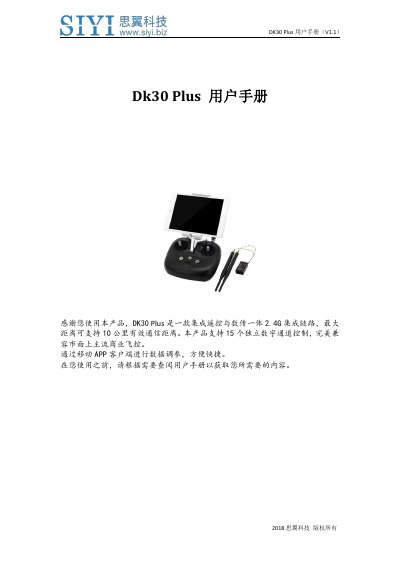
The Siyi DK30Plus is a 2.4G integrated link device that combines a remote controller with telemetry capabilities. It features 15 independent digital channels controlled by switches, wheels, and buttons, supporting up to 10 kilometers of effective communication distance. The device is compatible with mainstream commercial flight controllers and allows for data tuning via a mobile app. This manual is written in Chinese.
| Communication Distance | 10 km |
|---|---|
| Charging Current Limit | ≤2A |
| Operating Frequency | 2.4G |
Connect via Bluetooth using the Siyi tuning app. The initial Bluetooth password is 1234.
The device supports Pixhawk and other commercial flight controllers like Jieyi, Tuogong, and more.
Press and hold the S5 and S6 buttons, then move the LD and RD wheels down and up to trigger the beeping sequence.