
This document is an instruction manual for a kitchen scale. The scale uses Fortune Semiconductor's high-performance, low-power microprocessor FS9932. It has features such as high weight display accuracy, multiple function settings, and the ability to set units arbitrarily.
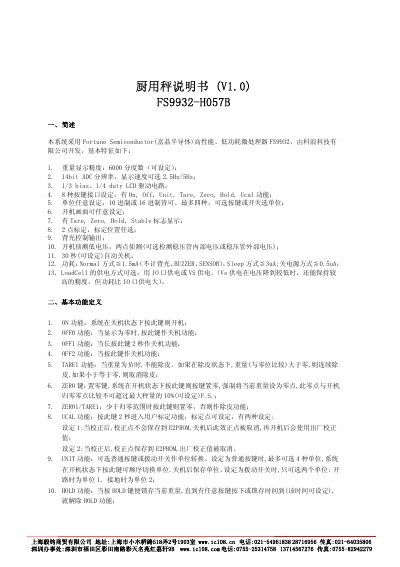
This document describes the Fortune Semiconductor FS9932-H057B high-performance, low-power microprocessor designed specifically for kitchen scales. Developed by Kelang Technology, it features a 14-bit ADC resolution and supports various display speeds of 2.5Hz or 5Hz.
The manual outlines key operational functions including weight display with up to 6000 divisions, tare/zero/hold capabilities, and unit conversion between decimal and hexadecimal systems (up to four units). It also details power consumption modes, low-voltage detection logic, and the specific steps for zero-point calibration and user calibration. This manual is written in Chinese.
| Display Precision | 6000 divisions (configurable) |
|---|---|
| ADC Resolution | 14bit |
| Display Speed Options | 2.5Hz/5Hz |
| Key Interface Functions | On, Off, Unit, Tare, Zero, Hold, Ucal |
| Unit System Support | Decimal or Hexadecimal (up to 4 units) |
| Calibration Points | 2-point calibration |
| Normal Mode Current | ≤1.5mA (excluding backlight, buzzer, sensor) |
| Sleep Mode Current | ≤3uA |
Press the UCAL key for 2 seconds to enter the user calibration function.
If the voltage drops to the second point, a 'LO' screen appears for 1 second before the system shuts down.
Yes, up to four units can be selected via a button or switch.