
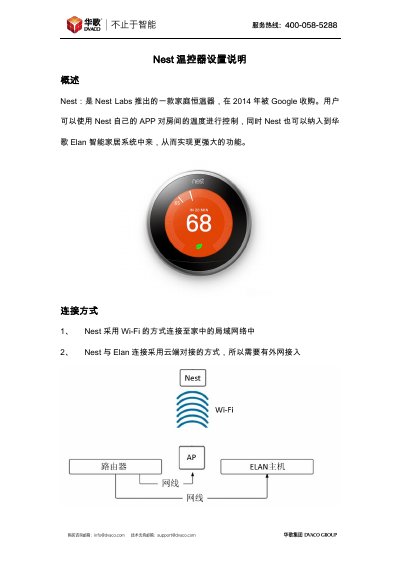
Nest Thermostat is a home thermostat that allows users to control the room temperature through the Nest app. It can also be integrated into the Huawei Elan smart home system for enhanced functionality.
The document outlines the initial setup process for a Nest thermostat. It covers selecting the language (English), connecting to a local Wi-Fi network, and configuring the device's location by choosing the appropriate room type. Users must also select their specific heating or cooling configuration based on their equipment, such as forced air, in-floor radiant, or radiators. This manual is written in Chinese.
Select the required wireless network and enter the password.
The password must be at least 8 characters long and include uppercase, lowercase, numbers, and special symbols.
The Elan host must be version 7.3.x or higher.