
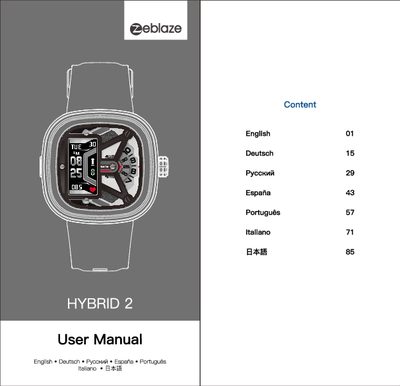
This manual explains how to set up the Hybrid 2 smartwatch, including initial calibration of the watch hands, pairing with the H Band mobile app, and configuring basic functions such as ON/OFF, alarms, and notifications. Detailed steps cover charging, battery management, and using the smart module’s display and buttons.
Additional sections describe sport and health monitoring features (step counting, heart‑rate, blood‑pressure, sleep tracking), reminder functions (calls, messages, sedentary alerts), and maintenance guidelines. After‑sales contact information is provided at the end of the document.
| Display screen size | 0.86 inch |
|---|---|
| Battery capacity | 10 mAh |
Open the H Band app, go to My device > Alarm settings, set the time, repeat cycle and label, then save.