
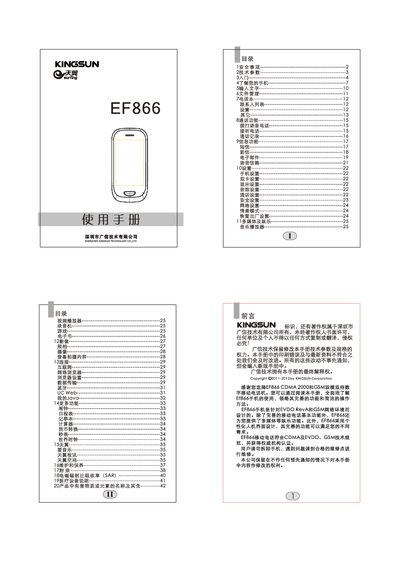
This manual covers safety precautions, technical parameters, and basic operation of the KINGSUN EF866 mobile phone. It explains how to power the device on and off, manage contacts, make calls, send messages, and use multimedia features such as music, video, and camera functions.
Additional sections describe configuration options like language, dual‑SIM settings, network setup, and how to perform a factory reset. Appendices provide troubleshooting tips, SAR information, and environmental compliance details. This manual is written in Chinese.
| Model | EF866 |
|---|---|
| Dimensions | 1403 mm (approx.) |
| Weight | ≈120 g (including standard battery) |
| Battery capacity | 1100 mAh |
| Nominal voltage | 3.7 V |
| Charging limit voltage | 4.2 V |
| Input voltage | 100‑240 VAC 50‑60 Hz 0.15 A |
| Output voltage | 5 V DC 500 mA |
Enter the number and press the C‑network icon for a CDMA call or the G‑network icon for a GSM call.
Connect the charger and charge the phone for at least 2‑5 hours before first use.
Open Settings → Language Settings and select either 中文 or English.
Select Settings → 恢复出厂设置 to reset all settings to their default values.