
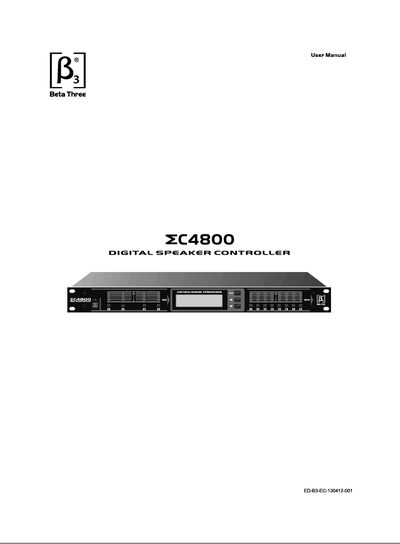
The C4800 digital speaker controller is a DSP‑based processor offering 24‑bit/48 kHz A/D and D/A conversion, parametric EQ, shelving filters, crossover functions, and delay up to 4 seconds. It features a 6‑way LED status indicator, LCD display, USB and dual RS‑485 ports for PC software control and multi‑device networking.
The manual covers safety precautions, front‑panel controls, rear connections, menu navigation, built‑in signal processing details, software installation, and full technical specifications such as frequency response, dynamic range, power consumption, and dimensions.
| Input Power Voltage | AC 220V‑240V~, 50/60Hz |
|---|---|
| Power Consumption | 24W (max.) |
| Dimensions (L×W×H) | 482 mm × 228 mm × 44.8 mm |
| Net Weight | 5.7 kg |
| Gross Weight | 6.5 kg |
| Frequency Response | 20 Hz – 20 kHz +0.5/‑3 dB |
| Dynamic Range | 110 dB (A) |
| THD/Noise | <0.006 % |
| Max Input Level | 20 dBu (THD+N=0.1 %) |
| Max Output Level | 220 dBu (THD+N=0.1 %) |
| A/D Sampling Rate | 48 kHz |
| Input Impedance | >10 kΩ |
| Output Impedance | <409 Ω |
| Remote Control Port | RS‑485 connector / XLR input and output |
| Input Channels | 4 |
| Output Channels | 4 |
| Channel Delay (Input) | Max 2 seconds per channel |
| Channel Delay (Output) | Max 2 seconds per channel, up to 4 seconds combined |
The C4800 provides four input signal ports and four output signal ports.
Press and hold the “Para” button, then use the up or down buttons to change the ID between 1‑50; the new ID is saved automatically.